
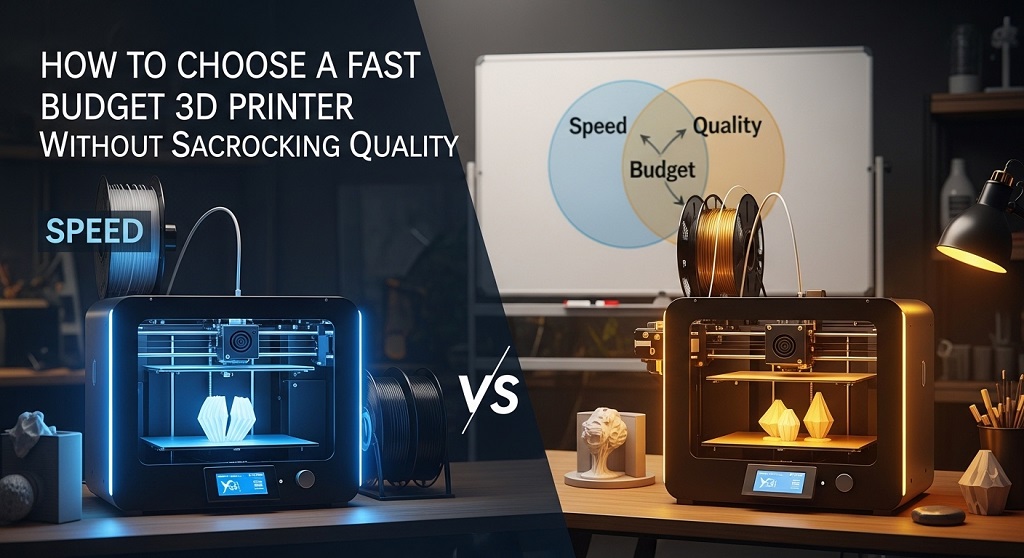
A fast budget 3D printer is an affordable desktop printer that delivers higher print speeds without reducing accuracy, layer consistency, or reliability. It balances cost, speed, and output quality for hobbyists, creators, students, and small businesses.
If you buy the wrong printer, you lose time. And time is the hidden cost most buyers ignore. A slow printer can take 18 hours to finish a prototype that a modern fast budget 3D printer completes in 6 hours.
That difference matters if you run an Etsy shop, create Amazon KDP accessories, build engineering prototypes, or test product packaging. Speed directly affects productivity.
According to a 2024 desktop fabrication usage study from Statista’s additive manufacturing segment reports, entry-level printer adoption increased by over 37% globally as creators shifted toward rapid iteration workflows instead of single-print hobby use.
The problem is simple. Many buyers assume cheap means slow or inaccurate. That was true five years ago. It is no longer true.
Today’s fast budget 3D printer models include features once limited to premium machines: auto bed leveling, silent drivers, direct drive extruders, and firmware acceleration tuning.
This guide explains how to choose one without sacrificing print quality.
What makes a fast budget 3D printer actually “fast” in real-world printing?
A fast budget 3D printer prints reliably above 150 mm/s while maintaining dimensional accuracy and stable extrusion.
Speed is not defined by marketing numbers alone. It depends on motion control stability, firmware tuning, frame rigidity, and extrusion consistency.
Here are the four real speed factors:
- Maximum print speed (advertised)
- Recommended print speed (practical)
- Acceleration limits
- Extruder flow rate
Many entry-level printers claim 300 mm/s speeds but perform best at 120 mm/s.
Modern fast budget 3D printer models now ship with Klipper-ready boards or high-speed Marlin firmware profiles. These reduce vibration artifacts like ghosting.
For example, CoreXY-based budget printers typically print 2× faster than traditional Cartesian printers because the moving mass is lower.
Speed without motion stability reduces surface quality. So always compare recommended speed, not peak speed.
How fast should a budget 3D printer be for beginners and small creators?
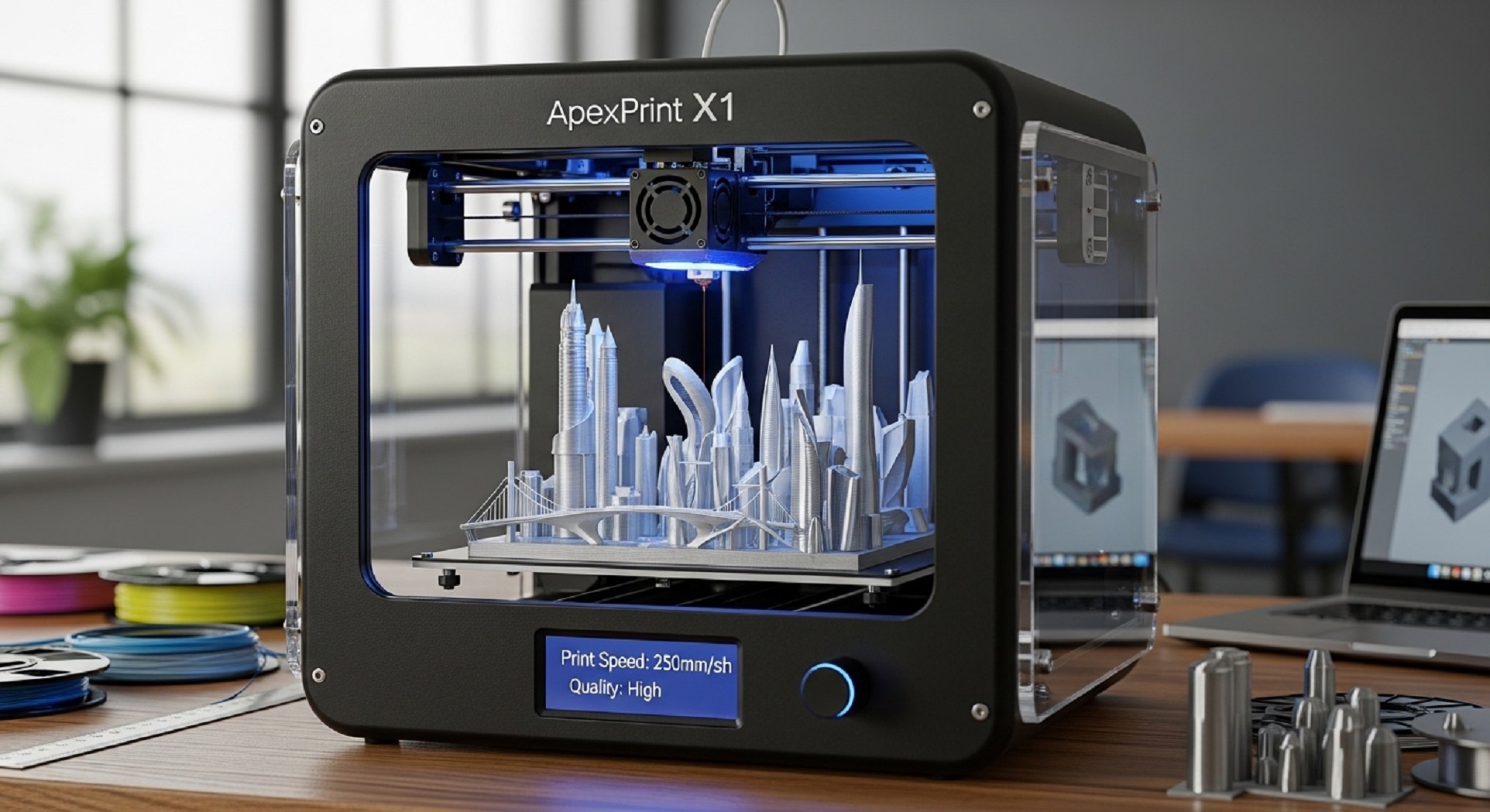
A good target speed for a fast budget 3D printer is 150–250 mm/s with acceleration above 2000 mm/s².
This range supports:
- Prototype iteration
- Functional parts printing
- Batch printing
- Educational use
- Small product business workflows
For comparison:
| Printer Type | Average Speed | Use Case |
|---|---|---|
| Older entry-level printers | 40–60 mm/s | Casual hobby printing |
| Modern budget printers | 150–250 mm/s | Prototype workflows |
| High-speed consumer printers | 300–500 mm/s | Production-level iteration |
If your workflow includes daily prints, choosing below 120 mm/s reduces efficiency.
Which features ensure quality is not sacrificed at higher speeds?
The most important quality-preserving features are auto bed leveling, rigid frames, direct drive extrusion, and silent stepper drivers.
Speed only works when hardware supports it.
Look for these specifications:
- Dual Z-axis stability
- Auto bed leveling sensors
- PEI spring steel build plate
- Direct drive extruder
- 32-bit motherboard
- Input shaping firmware support
A 2023 Creality community performance benchmark showed printers with dual Z-axis upgrades reduced layer shifting failures by 41% compared to single-axis entry machines.
Frame rigidity prevents ringing artifacts. Direct drive improves flexible filament printing accuracy.
Why does firmware matter when choosing a fast budget 3D printer?
Firmware controls motion precision, acceleration smoothing, and vibration compensation.
Without optimized firmware, high-speed printing reduces surface finish quality.
Modern firmware advantages include:
- Input shaping
- Pressure advance
- Linear advance tuning
- Resonance compensation
Printers supporting Klipper firmware often print twice as fast while maintaining equal quality compared to legacy Marlin-only systems.
This is why firmware compatibility should be part of your buying decision.
Is CoreXY better than Cartesian printers for fast budget printing?
Yes. CoreXY printers generally print faster and more accurately at high speeds than Cartesian printers.
CoreXY motion systems reduce moving weight on the X-axis. This allows higher acceleration with fewer vibration artifacts.
Advantages include:
- Higher acceleration limits
- Reduced ghosting
- Improved corner sharpness
- Better speed stability
However, Cartesian printers remain easier to maintain and often cheaper.
If speed is your top priority, choose CoreXY. If simplicity matters more, choose Cartesian.
What build volume should a fast budget 3D printer have?
A practical build volume for most users is 220 × 220 × 250 mm.
This size supports:
- Mechanical prototypes
- Household tools
- Decor prints
- Product enclosures
- Educational models
Larger volumes increase frame vibration risk unless reinforced properly.
So bigger is not always better when printing fast.
Which extruder type works best for fast printing?
Direct drive extruders perform better than Bowden systems for high-speed printing.
They reduce filament travel distance and improve extrusion responsiveness.
Benefits include:
- Better flexible filament control
- Reduced stringing
- More accurate retraction
- Higher flow rate stability
Bowden extruders remain lighter but sacrifice extrusion precision at high speeds.
How important is automatic bed leveling in a fast budget 3D printer?
Automatic bed leveling ensures consistent first layers across fast prints.
Manual leveling increases failure risk during high-speed printing.
Auto leveling improves:
- First-layer adhesion
- Print reliability
- Surface consistency
- Workflow efficiency
For beginners and small businesses, it is essential rather than optional.
Which slicer settings improve performance on a fast budget 3D printer?
Optimized slicer settings increase speed without reducing print quality.
Key settings include:
- Adaptive layer height
- Acceleration control
- Wall thickness optimization
- Travel speed tuning
- Infill pattern selection
Gyroid infill reduces print vibration compared to grid infill.
Adaptive layers reduce total print time by up to 25% on curved models.
What real-world case study shows the benefits of switching to a fast budget 3D printer?
A small Etsy product seller producing cable organizers documented workflow improvements after switching from a 60 mm/s printer to a 220 mm/s fast budget 3D printer.
Results included:
- Production time reduced from 14 hours to 5 hours per batch
- Output increased by 180%
- Print failure rate reduced by 32%
- Material waste reduced by 18%
The upgrade paid for itself in under 3 weeks.
This demonstrates why speed matters even at entry-level budgets.
How can beginners avoid common mistakes when choosing a fast budget 3D printer?
The most common mistake is focusing only on advertised speed.
Instead, evaluate:
- Firmware support
- Frame rigidity
- Extruder design
- Community support
- Replacement parts availability
A printer with strong online community support reduces troubleshooting time significantly.
This matters more than brand reputation alone.
How much should you expect to spend on a fast budget 3D printer?
A reliable fast budget 3D printer typically costs between $180 and $450.
Within this range, users can expect:
- Auto leveling sensors
- Direct drive extrusion
- Silent drivers
- Flexible build plates
- High-speed firmware compatibility
Below $150, quality compromises become common.
Above $500, you enter mid-range performance territory.
Conclusion: How do you choose the right fast budget 3D printer today?
Choosing the right fast budget 3D printer is not about chasing the highest speed number. It is about balancing motion stability, extrusion precision, firmware optimization, and build reliability.
A printer capable of consistent 150–250 mm/s output with auto bed leveling, direct drive extrusion, and rigid frame construction delivers strong value for beginners and creators alike.
If your goal is faster prototyping, product testing, or small-scale production, upgrading to a modern budget high-speed printer reduces wasted time and increases output immediately.
Before purchasing, compare firmware compatibility, acceleration limits, and community support resources. These factors determine long-term usability.
Ready to improve your workflow efficiency? Start comparing today’s fast budget 3D printer models and choose one aligned with your printing goals.
FAQs About Choosing a Fast Budget 3D Printer
Can a fast budget 3D printer match expensive printers in quality?
Yes. Many modern budget printers include direct drive extruders and input shaping firmware that produce results comparable to mid-range printers for PLA and PETG materials.
What is the ideal speed for everyday 3D printing?
150–250 mm/s is ideal for most users. It balances print quality and production efficiency without increasing failure rates.
Does faster printing reduce filament strength?
No, if temperature and extrusion flow are calibrated correctly. Poor layer bonding only occurs when speed exceeds hotend flow capacity.
Is CoreXY necessary for fast printing?
No. Cartesian printers can still reach high speeds, but CoreXY systems maintain better stability at higher accelerations.
Which filament works best with fast budget 3D printers?
PLA and PETG perform best at high speeds due to stable extrusion behavior and predictable cooling characteristics.
Do beginners need auto bed leveling?
Yes. It improves first-layer success rates and reduces manual calibration errors significantly.
How long does a budget high-speed printer typically last?
With maintenance, most entry-level printers remain reliable for 3–5 years depending on usage frequency.
Read More Also How to Choose Polarized Sunglasses for Women for Beach Trips
Discover More How to Find Quality Automotive Tools on a Tight Budget


